How to show RMarkdown-Code in a RMarkdown-File
When you’re writing about RMarkdown using RMarkdown you may run into trouble when the RMarkdown parser parses the code you want to be simply embedded in your site.
When you’re writing about RMarkdown using RMarkdown you may run into trouble when the RMarkdown parser parses the code you want to be simply embedded in your site.
I’ve started this blog five years ago using wordpress. But I admit that it was quite painful to write the articles about R in wordpress.
I had to write the R-code in RStudio, copy it to wordpress. Then I had to run the code and copy the output to wordpress, too.
Any time I want to make changes to the code this procedure gets quite tedious. I’ve also tried to do some steps at medium. But the steps for publishing were the same.
So I was pleased when I stumbled across blogdown. Using blogdown I can write my R code and the article in one step.
As I’m moving this blog from wordpress to blogdown (also see the book about blogdown) I was wonderung how I can get some nice syntax highlighting of the embedded R-code.
The first impression was quite sobering. I used the default .Rmd page type and I got not much highlighting. It was better than that I got at Medium with base functionality. But it’s not quite what I wanted.
But there are two other file types in blogdown.
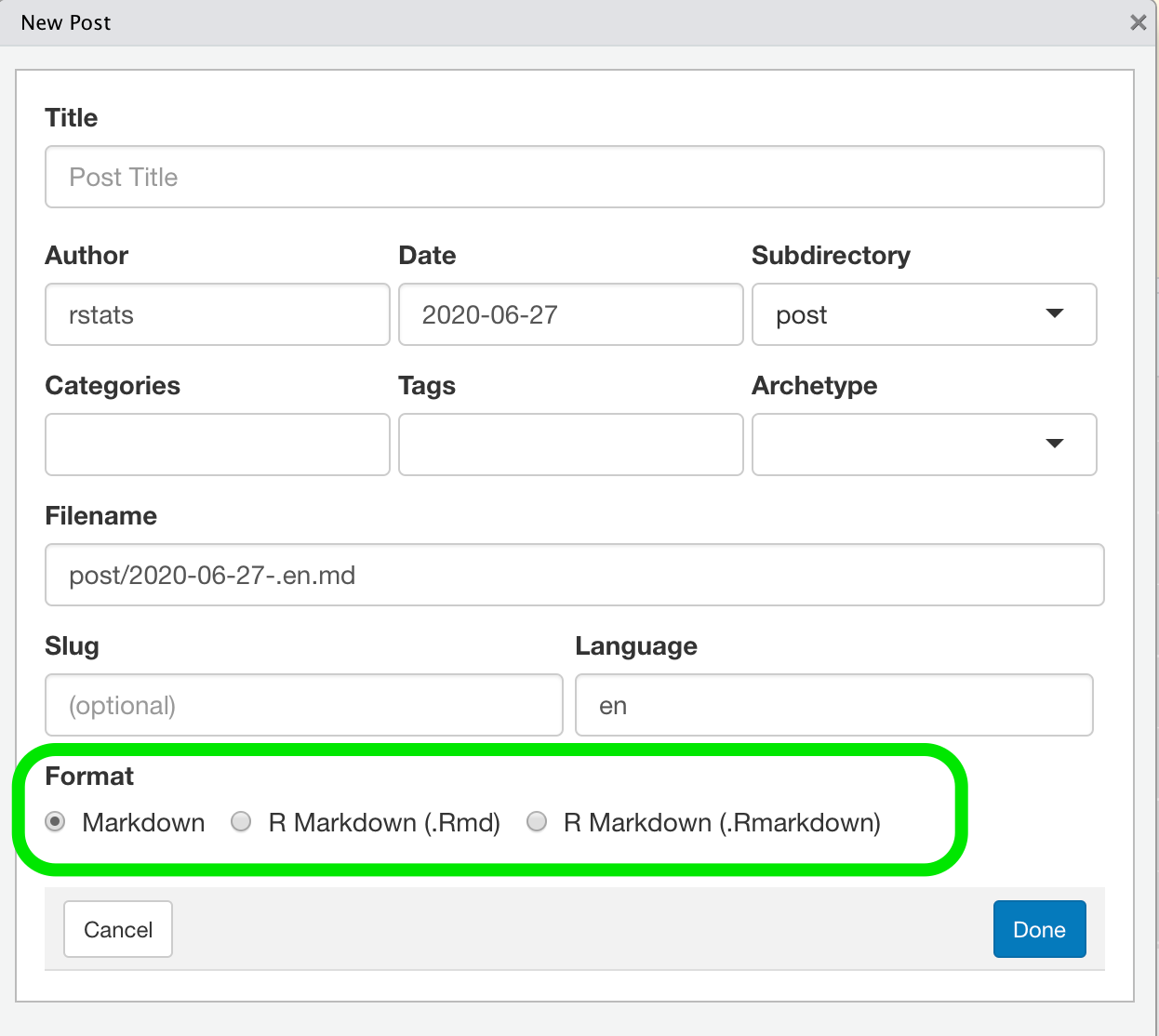
.md is for simple markdown-pages without any R-code. But the other one .Rmarkdown seems to be more promising.
Okay, the title may be a little misleading. But it addresses the problem I have.
I’m running many different R projects in production. So they must run in a reproductive way and I can’t afford that the programs break if a package update is installed.
As time has gone by using custom fonts in ggplot2 graphics and LaTeX Documents is still challenging but easier than years ago.